
Short version
The daily site report is the site's memory. When a client disputes a delay or a valuation, it is the first thing anyone asks for, and it only counts if it was written that day and has not been changed since.
A good daily site report app makes that easy: two minutes on a phone, offline, with photos that prove when and where they were taken. Daily Site Log is one; we make it, and competitor details are linked to their sources below.
What the report should capture
| Section | Why it matters later |
|---|---|
| Date, site, weather | Weather is the most common cause of a disputed delay |
| Labour and subcontractors | Who was on site and how long, by trade |
| Plant and equipment | Hours worked and idle time, for standing-time claims |
| Work completed | By area or activity, to back up progress valuations |
| Deliveries | Late, short or damaged materials, with the supplier |
| Delays | Cause, start and end time, impact, responsible party |
| Instructions and visitors | Verbal instructions and inspections, recorded the same day |
| Safety | Toolbox talks, incidents, near misses |
| Photos | With a verified time and GPS position |
A blank one is in our daily report template.
Filing it from site
- Open the day's report. Weather for the site address fills itself.
- Talk for a minute. Labour, plant, progress, deliveries, delays and safety are sorted into the right sections for you to check.
- Take photos in the app. Each is stamped with time, GPS and a SHA-256 hash.
- Submit and send. The report is sealed with a fingerprint printed on the PDF; the client can check it at dailysitelog.com/verify.
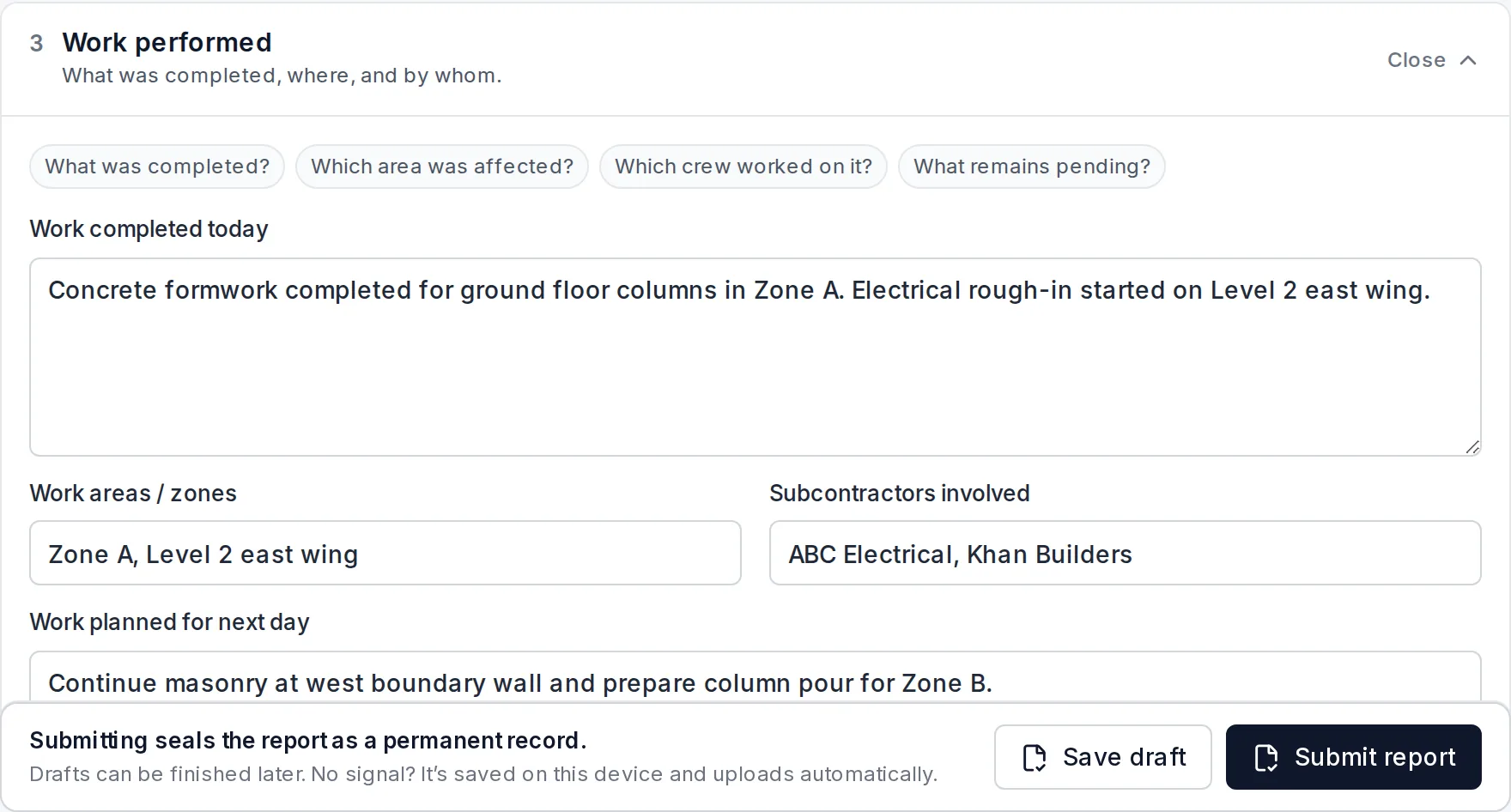
Apps compared
| App | Best for | Price (2026) |
|---|---|---|
| Daily Site Log | Small contractors; evidence-grade daily reports | $0 · $19/mo · $79/mo per company |
| Raken | Mid-size contractors who also need time cards | Reported ~$15–$59/user/mo, annual |
| Fieldwire | Teams working from drawings and punch lists | Free (no reports) · ~$39/user/mo |
| SafetyCulture | Inspection-heavy sites | Free (10 seats) · $24/seat/mo annual |
| Procore | Large GCs needing one platform | Volume-based, typically $4,500+/yr |
More detail in best construction daily report apps.
Habits that make the report count
- File before leaving site, every day, even quiet days. A complete run of reports is what makes the bad days believable.
- Name the cause and the clock on every delay: "No access to level 3, scaffold not adapted, 08:00–11:30, 4 operatives idle."
- Photograph conditions before work starts, especially areas handed over by other trades.
- Send it the same day. A dated report in the client's inbox doubles as written notice.
Start free, no card needed.
Sources
- Daily Site Log pricing
- Raken pricing guide
- Fieldwire pricing
- SafetyCulture (Mitti) pricing
- Procore pricing guide
Frequently asked questions
What is a daily site report?
A same-day record of a construction site: weather, who was on site and for how long, plant used, work completed, deliveries, delays, visitors, safety and photos. It is the first document asked for in a delay claim or payment dispute.
Who should write the daily site report?
The person running the site that day: site manager, foreman, supervisor or the contractor themselves. It should be written before leaving site, not reconstructed later.
Is a daily site report the same as a site diary?
Mostly. 'Site diary' is the common term in the UK, Australia and New Zealand; 'daily report' or 'daily log' is more common in the US. The content is the same. See our site diary app guide.
Can I send the report to the client automatically?
Yes. Each report can be sent as a PDF or read-only link by email or WhatsApp, and on Pro the client can receive one branded weekly PDF every Monday without you doing anything.
Is there a free daily site report app?
Daily Site Log is free for one project and 10 reports a month with the full PDF. SafetyCulture is free for up to 10 seats if you build the report as a template.