
Short version
A construction daily log app replaces the paper log book and the end-of-day WhatsApp message with one record per site per day. The good ones do three things well:
- Get filled in. If it takes longer than a few minutes on a phone, the foreman stops using it by week two.
- Work without signal. Basements, rural sites and steel frames kill reception.
- Hold up later. A log is only useful in a dispute if it is complete, dated, and provably unchanged.
Daily Site Log is built around those three. We make it, so treat this page as our pitch, with competitor facts linked to their sources.
What filling in a log looks like
- Open today's log for the project. Date and weather for the site address fill themselves (Pro and Business).
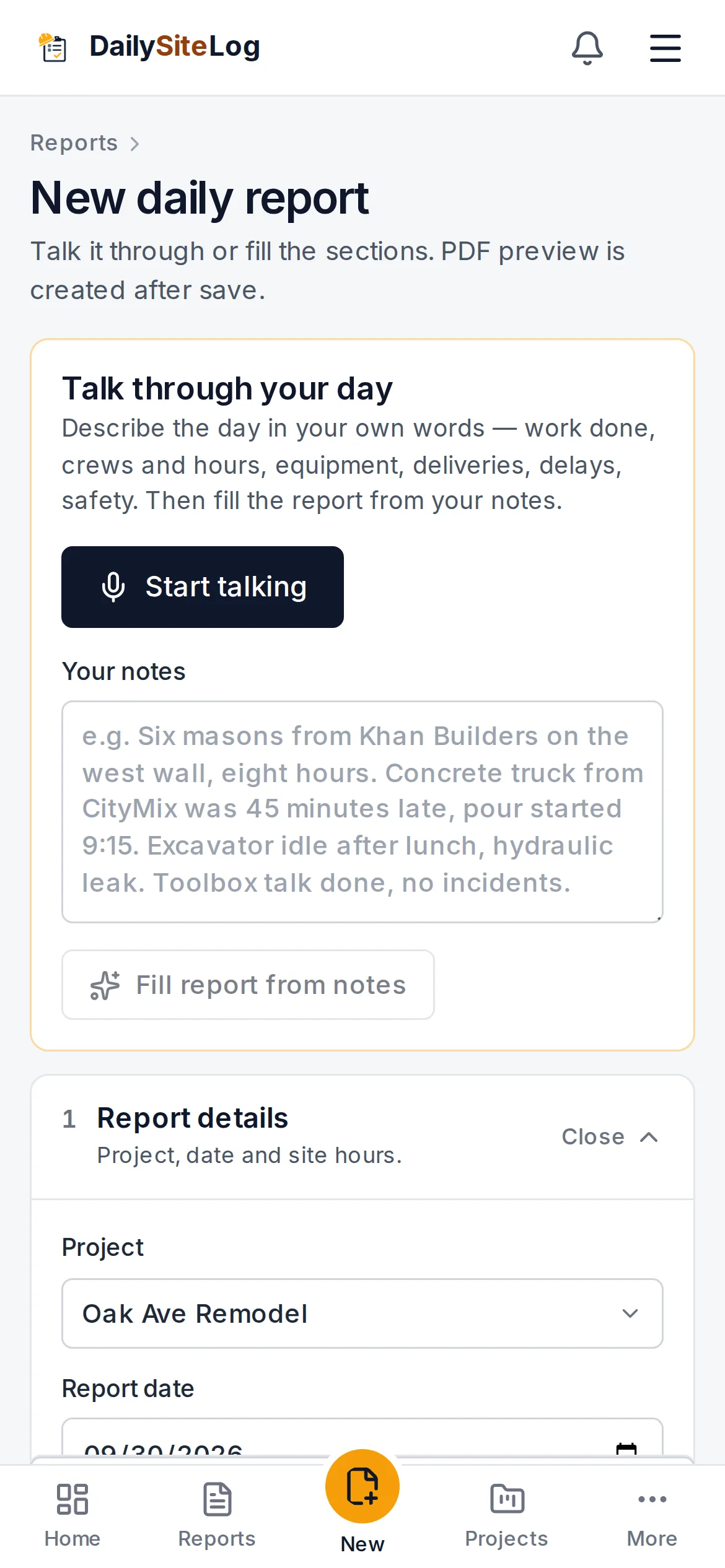
- Tap the mic and talk for a minute: "Six framers from Lopez Carpentry on level 2, eight hours. Drywall delivery two hours late, crew idle 9 to 11. Toolbox talk done, no incidents." AI turns it into labour rows, a delay entry and a safety note. You check it.
- Take photos in the app. Each one is stamped with the time, GPS position and a SHA-256 hash, and labelled verified in the PDF. Gallery photos are kept but labelled unverified.
- Submit. The log is sealed with a fingerprint printed on the PDF. Send it to the client by email or WhatsApp, or let the weekly summary go out on Monday by itself.
What the app records
| Section | What goes in it |
|---|---|
| Weather | Conditions for the date at the site, filled automatically |
| Labour | Company or trade, headcount, hours |
| Equipment | Machine, hours used, idle time |
| Work performed | By area or activity |
| Materials | Deliveries received, short or damaged |
| Delays | 11 types, start and end time, impact, responsible party |
| Safety | Toolbox talk, incidents, observations |
| Visitors and inspections | Who came, why, outcome |
| Photos | Time, GPS and hash stamped; verified or unverified |
| Sign-off | Signature, then sealed at submission |
How it compares
| App | Price model | Entry price (2026) | Strength |
|---|---|---|---|
| Daily Site Log | Flat per company | $0 · $19/mo · $79/mo (5 seats) | Voice-filled log, stamped photos, structured delays, sealed PDF |
| Raken | Per user, annual, quote | Reported ~$15–$59/user/mo | Daily reports plus time cards and production |
| Fieldwire | Per user | Free (5 users, no reports) · ~$39/user/mo annual | Drawings, tasks, punch lists |
| BuildLog | Free app, paid team plans | Prices not published on its homepage | Daily logs plus time cards, native iOS and Android apps |
| SafetyCulture | Per seat | Free (10 seats) · $24/seat/mo annual | Inspections and checklists; daily log as a template |
Details: Daily Site Log vs Raken, vs Fieldwire, vs BuildLog, vs SafetyCulture.
When another app is the better choice
- You need payroll time cards or production quantities tied to the log: Raken or BuildLog.
- Your crews work from drawings and punch lists all day: Fieldwire.
- Your daily paperwork is mostly safety inspections: SafetyCulture.
- You are a large GC wanting one platform for everything: Procore. See Procore alternatives.
Prefer paper? Download the free construction daily log book (31 printable pages). For what each entry should contain, see construction daily log.
Start today
The free plan needs no card. Set up a project in a minute, file tonight's log from the truck, and see the PDF your client will get. Start free or look at a sample report first.
Sources
- Daily Site Log pricing
- Raken pricing (request form) and our Raken pricing guide
- Fieldwire pricing
- BuildLog homepage
- SafetyCulture (Mitti) pricing
Frequently asked questions
Is there a free construction daily log app?
Yes. Daily Site Log's free plan covers one project and 10 daily logs a month with the full form, photos, offline saving and a PDF. SafetyCulture is free for up to 10 seats if you build the daily log as an inspection template. Fieldwire's free plan does not include reports or exports.
Does it work on iPhone and Android?
Yes. Daily Site Log runs in the phone's browser on iPhone and Android and can be installed to the home screen like an app, with offline saving. It is not listed in the App Store or Google Play yet; nothing needs downloading from a store.
Does it work with no signal on site?
Yes. Logs and photos are saved on the phone and upload by themselves when the connection comes back.
What should a construction daily log include?
Date and weather, crew by trade with hours, equipment, work completed by area, materials delivered, visitors and inspections, safety notes, delays with start and end times and who caused them, and photos. See the full checklist in our construction daily log guide.
Is it priced per user?
No. Free is $0, Pro is $19 a month for the company, and Business is $79 a month with five seats included and extra seats at $10 a month. Clients get free read-only logins on Business.