
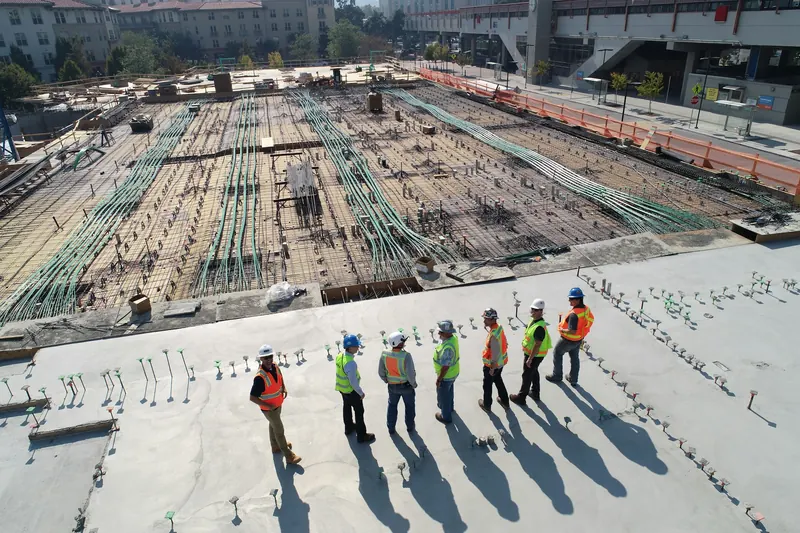
The report gets written at 9 pm, or not at all
After ten hours on site nobody wants to type. So the log is a line in WhatsApp, a photo with no date, or a blank day. Gaps are what the other side's lawyer looks for first.
Daily Site Log is a free construction daily log app for small contractors: an AI site log that fills itself in while you talk through the day. Add photos with a verified time and GPS stamp, record delays, and send the client a sealed PDF.
Watch the 2-minute walkthroughDaily report · DCL-2026-4K7Q2
Maple Street Retail — Tue 29 SepWhen a client disputes a delay or an invoice, the daily record is the first thing anyone asks for. It only counts if it is complete, dated and unchanged. That is hard to do on paper at the end of a shift.
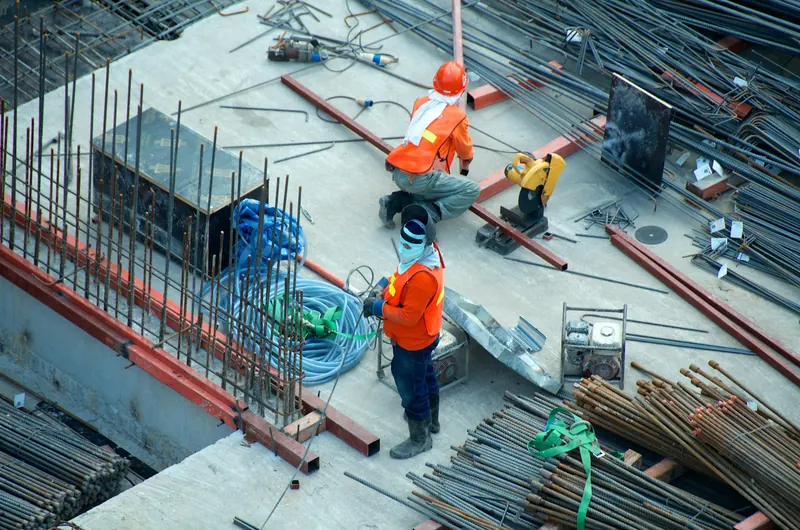
After ten hours on site nobody wants to type. So the log is a line in WhatsApp, a photo with no date, or a blank day. Gaps are what the other side's lawyer looks for first.
A picture of a flooded trench from a phone gallery could be any day, any site. Without a captured time and GPS position it does not settle an argument about when the rain came.
The concrete truck was late. By the time the extension-of-time claim is written, nobody can say which day, how long, or who was responsible. The claim is lost on detail.
Foremen do not write reports at night. They talk for two minutes and check what came back.
Tap the mic at the truck. Work done, crews, deliveries, delays, safety. AI sorts it into the report; you check it.
Every photo taken in the app is stamped with the time, GPS position and a SHA-256 hash. Gallery photos are kept but marked unverified.
Submitting seals the report with a fingerprint anyone can check. Send it to the client on WhatsApp or email in one tap.
2-minute walkthrough
The foreman talks, the report fills, the delay is named, the photo is stamped and the PDF is sealed so anyone can check it.
No training. Every screen says what to do next.
Voice notes
"Six masons from Khan Builders on the west wall, eight hours. CityMix truck forty-five minutes late, pour started 9:15. Toolbox talk done, no incidents." That sentence becomes labour rows, a delay entry and a safety record. You check it, you don’t type it.
Try it with your own notesSix masons from Khan Builders on the west wall, eight hours. CityMix truck 45 minutes late, pour started 9:15. Toolbox talk done, no incidents.
Photos
Take the photo in the app and the time, GPS position and a SHA-256 hash are burned into the image and printed under it in the PDF. Picked from the gallery? It is kept, but labelled unverified. The difference is what a dispute turns on.
See it on the sample report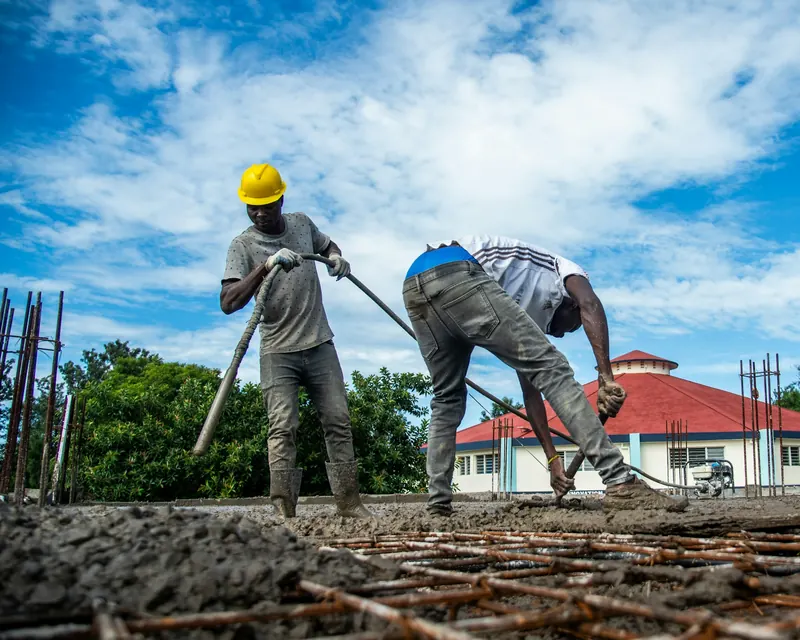
Verified: taken in app · SHA-256 a91f3c…
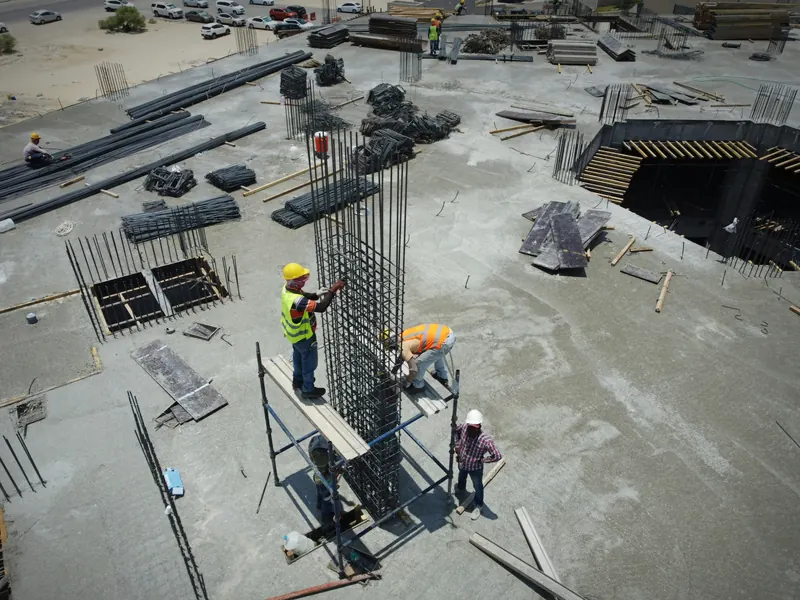
From gallery: time and location not verified
Sealed PDF
Submitting seals the record with a fingerprint of its content, photo hashes and signature. The PDF carries the fingerprint; the public verify page re-checks it. Change one word later and the check fails.
Open the verify pageSHA-256 9f2c7e1a04b8d6f3a2c9e51b7d0f48a6c3e2b1d9f7a0c4e8b5d2a6f1c9e3b7d4e41aClient
Add the client’s email to a project once. Each Monday they get one branded PDF of last week: work done, crews, delays, safety, photos and every day’s fingerprint. Or send any single report on WhatsApp in a tap.
Included in ProHello Omar, Alpha Builders has sent you the weekly site report for Maple Street Retail.
Free for one project. Upgrade only if the work grows.
No scheduling module, no RFI tracker, no enterprise onboarding. One job, done properly.
Describe the day in your own words. The form fills itself; you review every field before it is saved.
Time, GPS and a hash burned into the image. Verified or unverified is printed under every photo, in the app and the PDF.
Type, times, cause, responsible party. One claim-ready PDF of every delay on a project, in one click.
Conditions for the report date at the project address, so nobody argues about the rain later.
Reports and photos save on the phone and upload themselves when you are back in range.
A SHA-256 fingerprint sealed at submission. If a record changes afterwards, the public check fails.
Add the client's email to a project and they get one branded PDF of the week every Monday. Nothing extra to do.
Supervisors file, admins approve or send back. Every action lands in an audit log.
Know the same evening which site has not filed, before the gap becomes a problem in a claim.
An honest comparison with the two things small contractors use today.
| Word / Excel template | Per-user field apps | Daily Site Log | |
|---|---|---|---|
| Fill the report by talking | No | No | Yes |
| Photos with verified time and GPS | No | Some | Yes |
| Proof a record was not edited later | No | No | Yes |
| Works with no signal | Paper only | Some | Yes |
| Weather added automatically | No | Yes | Yes |
| Delay register and claim PDF | No | Add-on | Yes |
| Weekly PDF emailed to the client | No | No | Yes |
| Free plan | Yes | Trial only | Yes |
| Pricing | Free | Per user, per month | Flat, per company |
"Some" and "Add-on" mean it exists in the category but not in every product or plan.
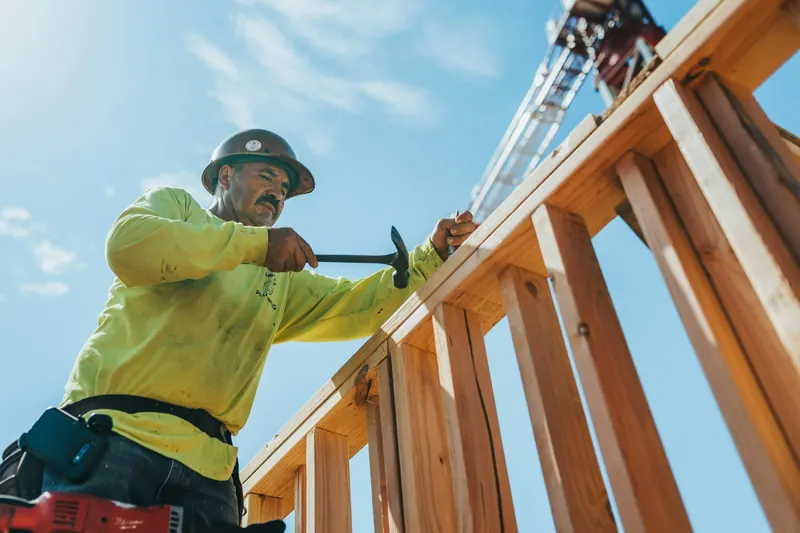
Two minutes at the end of the shift, on the phone, with gloves on. Talk, tap through the photos, submit. The report is done before you leave the gate.
Client-ready records without an office admin. Your logo on every PDF, a weekly summary that sends itself, and a delay file you can hand to a lawyer.
See every site from one screen, approve or send back reports, and get an email the same evening when a project has not filed.
Plain facts, because this is the part that matters when a record is challenged.
Open the site on your phone, choose "Add to Home Screen". It works full-screen and offline from then on. Android and iPhone, no app store.
Filter every report by project, date, author, status or delay. Export a month as CSV or a ZIP of PDFs and photos with checksums.
Start on Free, upgrade when the work does, cancel any time.
Solo contractors getting started
$0/ month
No card required
Contractors and site supervisors
$19/ month
Billed monthly. Cancel any time.
Teams and subcontractors
$79/ month
5 seats included. Extra seats $10.
Written for foremen, supervisors and small contractors. Templates download without an email.
What a toolbox talk is, how long it should take, what OSHA and HSE expect, 100 topics sorted by trade and season, a free talk-record and attendance sheet, and the one line that should appear in every daily report afterwards.
An RFI (request for information) is the formal question a contractor sends the architect or engineer when the drawings and specs don't answer something. What it is, when to raise one, how to write one that gets answered fast, response times, a free RFI template and log, and why every RFI belongs in that day's report.
What a punch list is, who writes it, what belongs on it and what doesn't, a free Excel and PDF punch list template, and a walk-through process that gets items closed instead of argued about. Includes the punch list vs snag list difference and how the daily report feeds it.
Weather delay claims fail on evidence, not on rain. Here is what to record on the day, which weather data to attach, how to write the notice, how 'normal' weather days work under AIA, ConsensusDocs and FIDIC-style contracts, and a free notice-of-delay letter.
A construction daily report is the contractor's signed record of one day on one site: weather, crews, equipment, deliveries, delays and photos. Here is exactly what goes in each section, who is responsible, and a real example page by page.
Download a construction daily report template as a printable PDF, an Excel workbook with auto-totals, or an editable Word file. No email required. Plus the five fields cheap templates leave out that cost contractors money in disputes.
Free for one project. No card. Cancel or upgrade any time.