
How this comparison was done
We build Daily Site Log, so we are not neutral. To keep this useful anyway, every app below is scored on the same seven criteria, drawn from what makes daily reports get filed and hold up later, with pricing taken from vendor pages on 1 October 2026 and gaps marked as unknown rather than guessed. Where we could not verify a feature from public documentation, the cell says so.
The seven criteria, explained in full in the software buyer's guide:
- Fast on a phone: pre-filled project and weather; report in under ten minutes.
- Offline capture with reliable sync.
- Structured delays: type, times, impact, responsible party.
- Stamped photos: time, location, attached to the report. (More in our guide to construction photo documentation.)
- PDF to the client without an account.
- Locked record after submission, with a visible change history or a verifiable fingerprint.
- Honest pricing: published, and a free tier that produces a real report.
The comparison table
| App | Model / entry price | Free tier | Phone-first | Offline | Structured delays | Stamped photos | Client PDF | Locked record | Best for |
|---|---|---|---|---|---|---|---|---|---|
| Daily Site Log | Flat per company: $0 / $19 / $79 per month | Yes: 10 reports/mo, full PDF | Yes: voice notes, 10 short sections, PWA | Yes | Yes: 11 types, start/end, impact, responsible party | Yes: time, GPS, SHA-256 hash | Yes: emailed and shareable | Yes: sealed; fingerprint printed on PDF, verifiable at /verify | 1–20 person contractors who need the record only |
| Raken | Per user; quote | Trial | Yes: daily-report specialist | Yes | Yes | Yes | Yes | Audit history; no public fingerprint | Mid-size GCs wanting daily reports + time cards + production |
| Fieldwire | Per user: free; $39/user/mo Pro (annual) | Yes: 5 users, 3 projects, no reports/exports | Good; report is one form among many | Yes | Partial: forms are customisable, no built-in delay model | Yes | From Pro | Version history | Teams that want plans, tasks, punch lists and reports together |
| Procore | Annual licence on construction volume; unlimited users; unpublished | No | Capable; assumes office workflow | Yes | Yes, via Daily Log + linked RFIs/change events | Yes | Yes | Audit log | Larger GCs with an administrator |
| CompanyCam | Per user; published monthly | Limited | Photo-first | Yes | No (notes/tags) | Excellent | Report builder | Photo history | Contractors whose record is mainly photos |
| Buildertrend | Flat tiers; published; several hundred $/mo entry | Trial | Adequate | Partial | Notes-based | Yes | Yes | Change history | Residential builders wanting a full suite |
| Contractor Foreman | Flat tiers; published; under $100/mo entry | Trial | Adequate | Partial | Notes-based | Yes | Yes | Change history | Small GCs wanting a broad, cheap suite |
| SafetyCulture (iAuditor) | Per user; free tier | Yes, limited | Form-driven | Yes | Custom forms | Yes | Yes | Version history | Inspection-heavy teams; daily report as a template |
"Partial" and "notes-based" are not insults; they mean the app can hold the information if you type it, but does not force the structure that makes the record useful in a dispute.
Notes on each
Daily Site Log
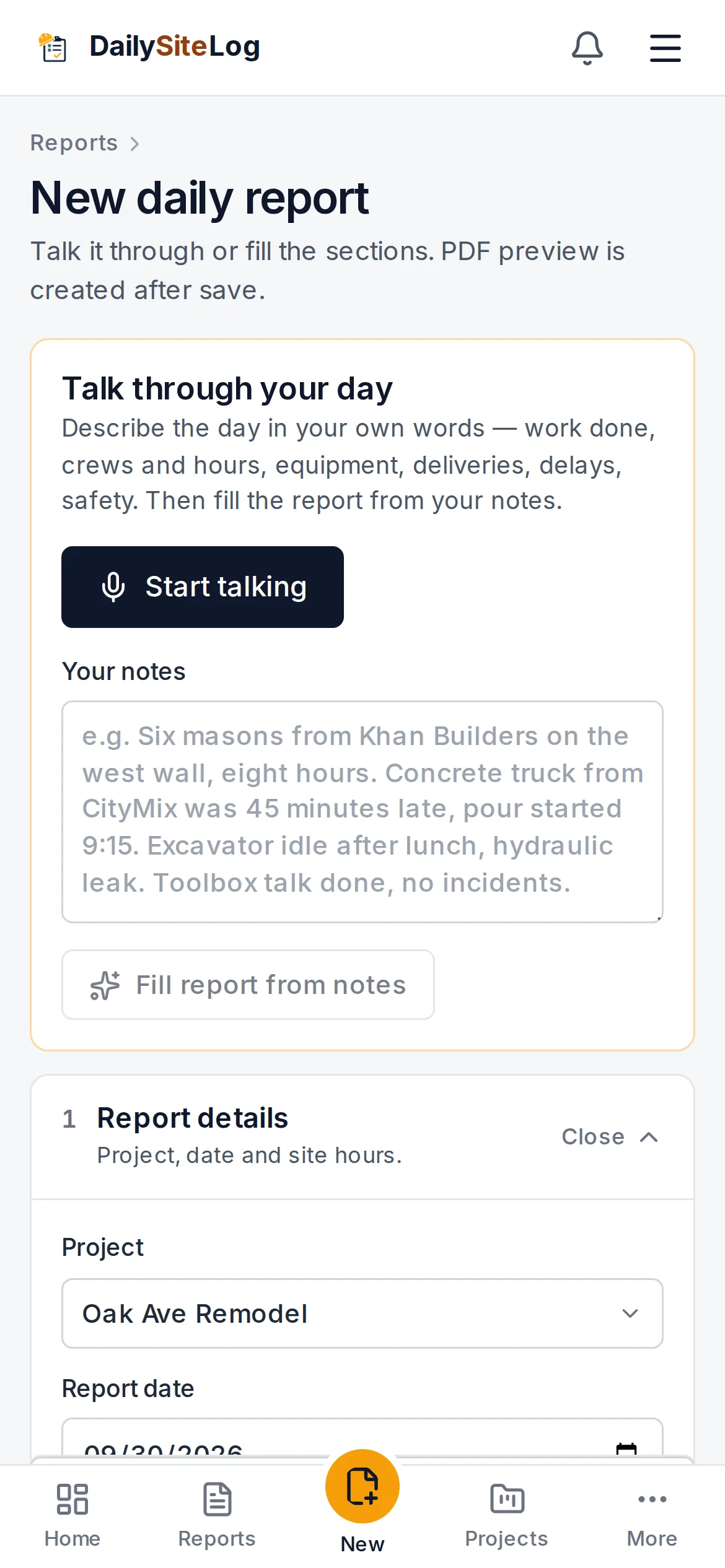
Built for one job: the daily report from a phone, sealed as a PDF. Opens to the day's report with project, crews and weather pre-filled (weather on Pro and above); voice notes at the top are sorted into sections by AI and checked by the foreman. Delays are rows with type, start and end time, impact and responsible party, which is the field that wins claims. Photos taken in the app carry time, GPS and a content hash. Submitting seals the report and generates a branded PDF with a fingerprint anyone can verify. Flat price per company, so every foreman gets a login. What it does not do: scheduling, RFIs, submittals, estimating; the about page says so. Free plan is 10 reports a month with the full PDF.
Raken
The established daily-report specialist for US GCs: daily logs, time cards, production tracking, toolbox talks, with sub reports rolling up to the GC's master report. Strong mobile app and good PDF output. Pricing is per user and quote-based, which suits 20–200 person firms and is a friction point below that. If you want time cards and daily reports in one place and have a budget conversation to hold, start here.
Fieldwire
The best general field tool at the small-contractor price point: drawings, tasks, punch lists, forms, with reports as one output. The free tier is generous on users and projects but excludes reports and exports, so daily reports start at the Pro tier, per user, billed annually. Delays are captured in custom forms rather than a dedicated model. Choose it when the daily report is one of several things you need in the field.
Procore
The Daily Log tool is thorough and links to everything else in the platform, which is the point of Procore. The price is set on annual construction volume with unlimited users, unpublished, and annual; see what small contractors actually pay. If you are already a Procore customer, use its Daily Log and stop reading. If you are not, it is rarely the answer to "we need daily reports".
CompanyCam
If your record is photos, CompanyCam is hard to beat: fast capture, automatic project sorting by location, timeline, annotations, and a report builder that turns a day's photos into a PDF. It is not a structured daily report; manpower, equipment and delay attribution are notes and tags. Pairs well with a daily report tool rather than replacing one.
Buildertrend and Contractor Foreman
Both are flat-priced suites for smaller builders: scheduling, selections, change orders, client portal, invoicing, and daily logs inside. Buildertrend is the more polished and the more expensive; Contractor Foreman is cheaper and broader than deep. In both, the daily log is a form with notes, photos and weather; adequate for the record, light on delay structure. Good choices if you want the suite and will accept the daily log it comes with.
SafetyCulture (iAuditor)
An inspection and checklist platform with a free tier. You can build a daily report as a template and it will work, offline and with photos, but you are assembling the tool yourself, and reports live in an inspection system rather than a project record.
Free tiers: what "free" actually includes
| App | Free tier includes | What stops you |
|---|---|---|
| Daily Site Log | Full report, photos, sealed PDF, 10 reports/month per company | Report cap; weather auto-fill and exports are Pro |
| Fieldwire | 5 users, 3 projects, plans, tasks, photos | No reports or exports at all |
| CompanyCam | Photo capture, limited projects/storage | Report features and storage |
| SafetyCulture | Limited users and inspections | Scale and reporting |
| Raken, Procore, Buildertrend, Contractor Foreman | Trial or demo only | Not a free plan |
A free plan that produces the PDF lets you run real reports for a month and decide on evidence. A trial gives you 14 days and a sales follow-up.
Choosing in ten minutes
- Count the people who must file or read reports. Multiply per-user prices by that number; compare with flat prices.
- Decide whether you need a suite (scheduling, RFIs, financials) or the record. If the record, do not pay suite prices.
- Install two candidates. On a real site, at the end of a real shift, file a real report with photos in each, once online and once in airplane mode.
- Send the PDF to a client contact and ask if they can open it and whether it tells them what they need.
- Try to edit a submitted report. Watch what the app does. That behaviour is what protects you later.
- Pick the one the foreman did not complain about.
The buyer's checklist has the full ten questions.
Sources
- Fieldwire pricing
- Capterra — Raken listing (pricing: contact vendor)
- Raken pricing
- Procore pricing page
- Procore support — Daily Log
- CompanyCam pricing
- Buildertrend pricing
- Contractor Foreman pricing
- SafetyCulture pricing
- Daily Site Log pricing
Frequently asked questions
Which construction daily report app is free?
Daily Site Log has a free plan with 10 reports a month per company and the full PDF export. Fieldwire's free Basic plan covers 5 users and 3 projects but does not include reports or exports. CompanyCam has a limited free tier focused on photos. Most others offer a trial rather than a free plan. Check whether the free tier includes the PDF; a free plan that cannot produce the report is a demo.
Do these apps work offline?
Daily Site Log, Raken, Fieldwire, Procore and CompanyCam all support offline capture with later sync in their mobile apps, with differences in how gracefully they handle conflicts. Test the one you choose: fill a report in airplane mode, take photos, reconnect, and confirm nothing duplicated or vanished.
Is there a good daily report app for Android as well as iPhone?
All eight apps in this comparison run on both iOS and Android. Daily Site Log is a web app that installs to the home screen on either platform (a PWA), so there is nothing to download from a store and updates are immediate; the trade-off is that background photo upload relies on the browser rather than a native service.
Can subcontractors and clients use the app?
Roles differ by plan. Daily Site Log's Business plan has supervisor, viewer and client roles; Fieldwire and Procore allow unlimited or per-user invitations; Raken supports sub daily reports rolled up to the GC. If your goal is to stop emailing PDFs to the owner every evening, price the tier that includes a client login.
What is the cheapest way to get daily reports with photos and PDF?
A flat-priced tool. At one to five field users, a flat $19–$79 per month is cheaper than any per-user plan once you add the office logins. Below that, the free plans of Daily Site Log (with PDF) or a paper/Excel template with a disciplined routine are the realistic options.