
Who this is for
Contractors, superintendents and office managers with roughly one to twenty people in the field, somewhere between "we fill in a Word template" and "we are evaluating Procore". If you already run an enterprise suite, this guide is not for you; you have a daily log module and the question is whether people use it.
A disclosure up front: we make Daily Site Log, one of the products below. The comparison is as factual as we can make it, with prices taken from vendor pages on the date shown and the caveat that vendors change them. Where a number is not published, we say so rather than guess.
When a template is enough
A free template in PDF or Excel is the right tool when all of the following are true:
- One or two active sites.
- One person writes the report and the same person files it.
- Clients accept a scanned page or a spreadsheet.
- Nobody has ever asked "was this changed after the fact?"
- Photos are rarely needed as evidence.
Break any two of those and the template starts costing more than software. The cost is not the paper; it is the 15 minutes of retyping the header, the photos that never get matched to the day, the report that was skipped on the busy Friday, and the argument you lose because the record is thin.
The seven things daily report software must do
Vendors list dozens of features. These are the seven that determine whether the reports get written and whether they hold up.
1. Pre-fill everything that does not change
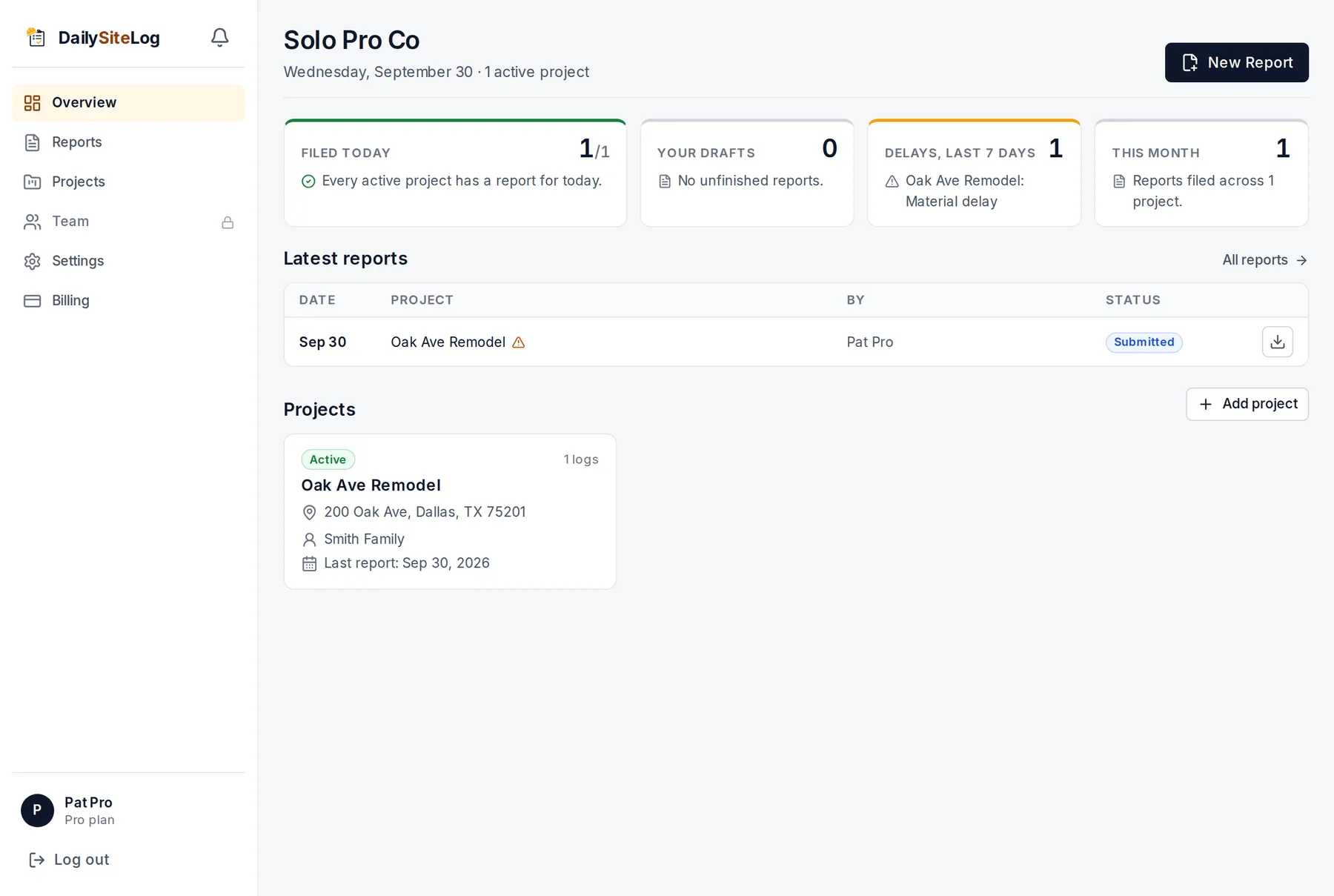
Project, address, client, crews, equipment, the weather for the report date at the site. If a foreman has to type the project address on day 40, the tool has failed at its first job.
2. Work on a phone, offline, in under ten minutes
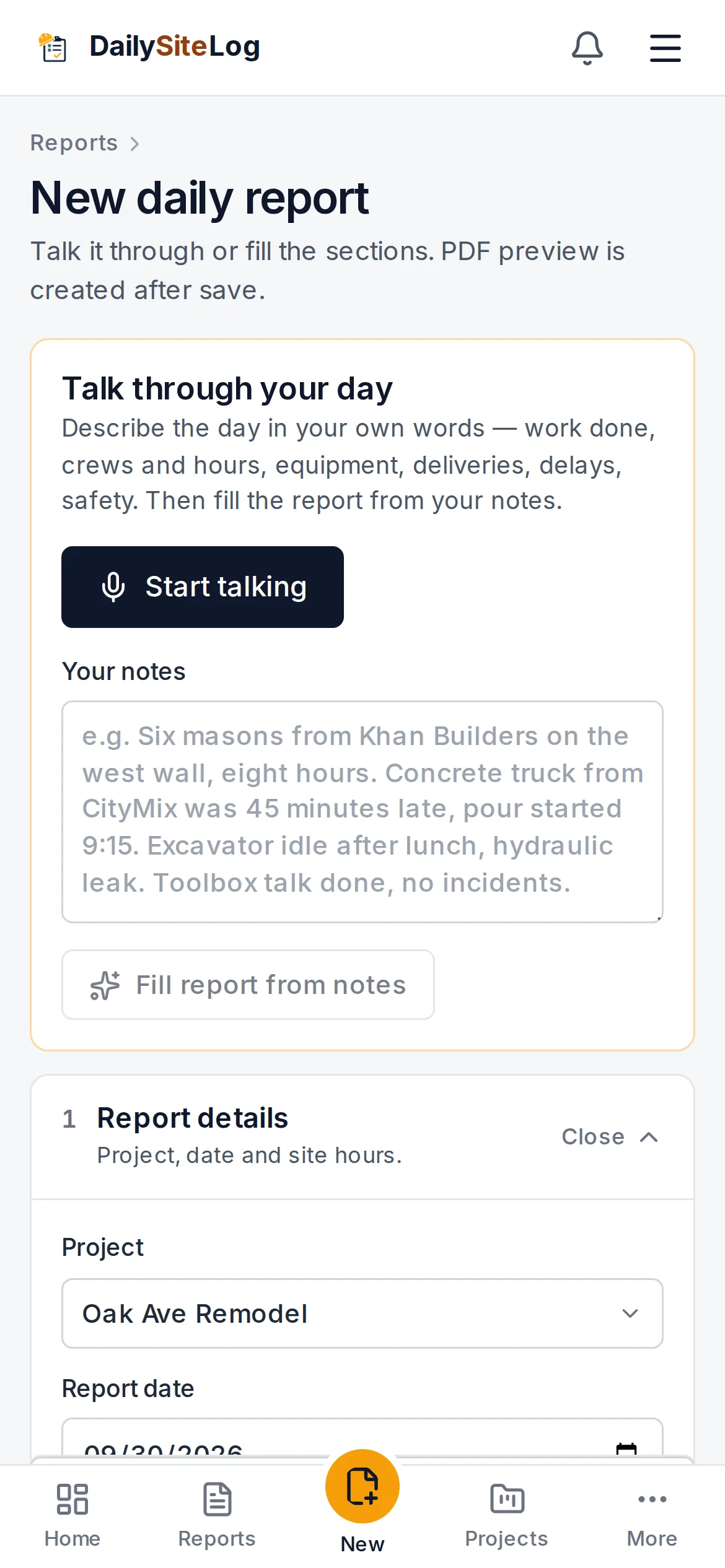
The report is written at 4:45 pm by someone with dirty hands and one bar of signal. Voice input, big tap targets, and offline save with later upload are not nice-to-haves. Test it in airplane mode.
3. Structured delays, not a notes box
Delay type, start and end time, impact, responsible party, resolved or not. A free-text "issues" box produces reports that cannot be searched, totalled or attributed. See why delay records win or lose claims.
4. Photos that carry time, place and a caption
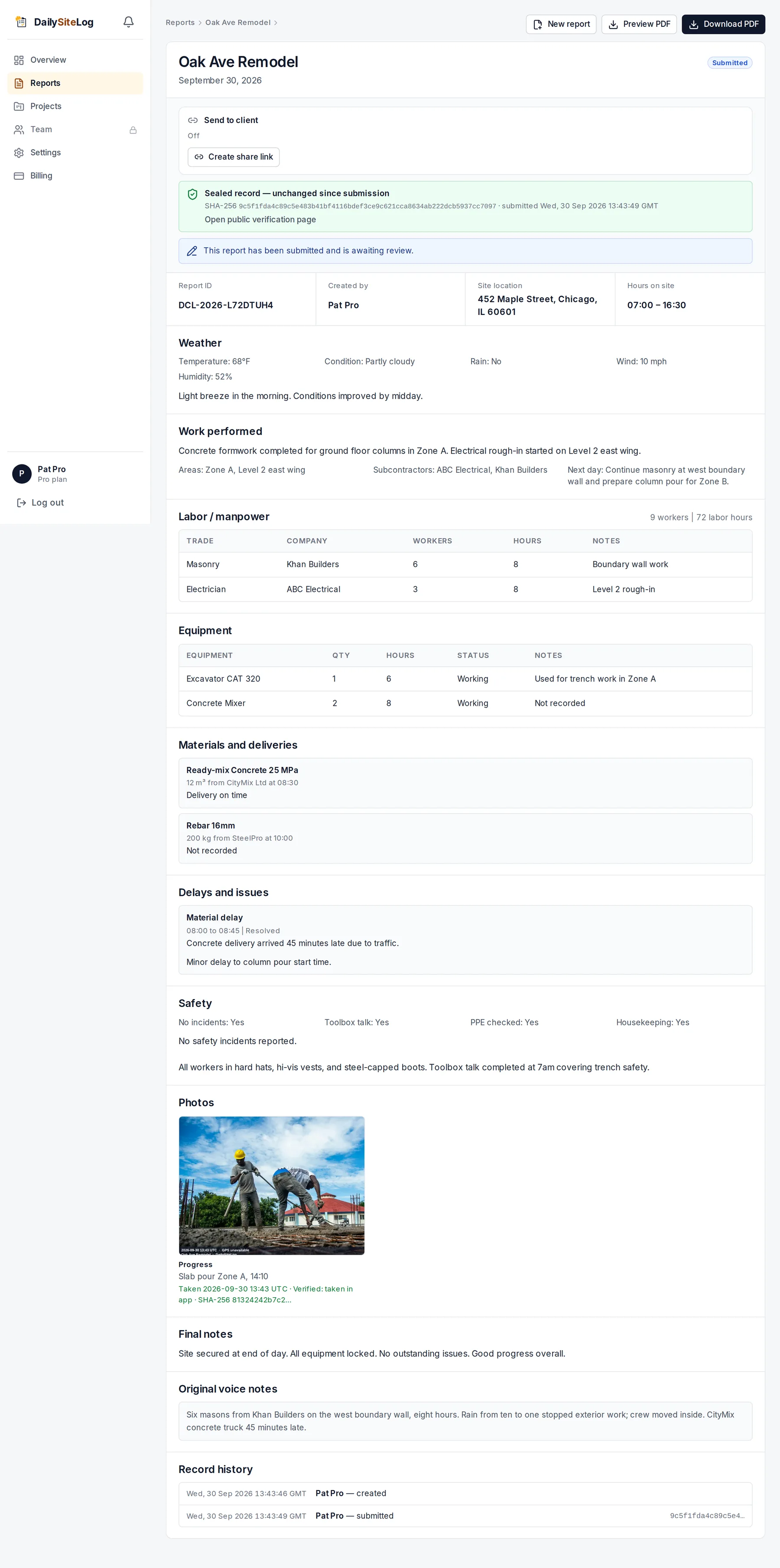
The photo must be taken or imported into the report, stamped with time and GPS, captioned, and stored with the report, not in a phone gallery. Bonus points for a content hash so the file can be shown to be unaltered.
5. A PDF the client can receive without a login
Every stakeholder can open a PDF. Not every stakeholder will create an account in your tool. The PDF should be branded, complete, and emailed or shareable by link the moment the report is submitted.
6. A sealed record
Once submitted, the report should be locked; corrections create a new version, and the change is visible. The strongest form of this is a cryptographic fingerprint printed on the PDF that anyone can verify against the vendor's record. The weakest is "we have an audit log, ask support".
7. An honest free tier and honest pricing
You should be able to file real reports on the free plan, including the PDF, so that the decision to pay is based on use, not on a demo. And the price should be knowable without a sales call.
What it costs (September 2026)
Prices below are from vendor pricing pages on 30 September 2026. Per-user prices are usually billed annually; monthly billing is typically higher. Always check the vendor page before deciding.
| Product | Pricing model | Entry price | Free tier | Daily reports in which tier | Notes |
|---|---|---|---|---|---|
| Daily Site Log | Flat per company | $0 / $19 / $79 per month | Yes: 10 reports/month, PDF included | All tiers | Daily reports only, by design. Voice notes, weather auto-fill, stamped photos, sealed PDF with verifiable fingerprint. Team roles and client logins on Business. |
| Fieldwire | Per user | $39/user/month (Pro, annual); $64 Business; $89 Business Plus | Yes: 5 users, 3 projects, no reports/exports | Reports and exports from Pro | Strong plan/task management; daily reports are one feature among many. RFIs and submittals only at Business Plus. Source: fieldwire.com/pricing. |
| Raken | Per user, quote-based | Not published ("contact vendor") | Free trial; a free version is listed on review sites | Daily reports are the core product | Built around daily reports, time cards and photos for mid-size GCs. Expect a sales conversation to get a number. Source: Capterra listing. |
| Procore | Annual contract priced on construction volume | Not published | No | Daily Log module in the Project Management product | Enterprise platform. Typically a five-figure annual commitment; not aimed at contractors under 20 people. |
| Buildertrend | Flat tiers, per company | Published on vendor site; several hundred dollars a month at entry | No (trial) | Daily logs included | Residential builders and remodelers; scheduling, selections, client portal and finance in one. Daily logs are a small part. |
| CompanyCam | Per user | Published per-user monthly pricing | Limited free plan | Photo documentation; daily reports via report templates | Photo-first. Excellent if photos are the record; daily report structure is lighter. |
Three things stand out from the table.
Per-user pricing changes the maths quickly. Four foremen on a $39/user plan is $1,872 a year before the office logins. A flat plan at $19–$79 a month is $228–$948 for the whole company. Per-user makes sense when the tool replaces several systems; for daily reports alone it usually does not.
"Free" often excludes the one thing you need. A free tier without PDF export or without reports is a way to evaluate the interface, not a way to run a site.
Unpublished pricing is a signal. It means a sales process, an annual contract, and a price that depends on how big they think you are. That is appropriate for a 200-person GC and inappropriate for a six-person contractor.
A buying checklist
Take this to the free trial. Score each item yes/no, on a phone, at a site.
- Can I file a complete report, with photos, in under ten minutes on day two?
- Does the project header pre-fill? Does the weather?
- Can I record a delay with a type, times, impact and responsible party, not just a note?
- Do photos carry time and location, and stay attached to the report?
- Does it work with the phone in airplane mode, and upload later without duplicates?
- Does the client get a PDF without creating an account?
- Is a submitted report locked, and can I prove it was not changed?
- Can the office see this morning which sites did not file yesterday, without calling?
- Is the price on the website, and is it per user or per company?
- What happens to my data if I stop paying? (Ask for an export. If they cannot answer, that is the answer.)
Seven or more yeses and the tool will get used. Fewer and it will become another app the foreman ignores.
When to move from Pro to Business, or from a tool to a suite
Most small contractors need daily reports, photos and a PDF. They do not need RFIs, submittals, scheduling and cost codes in the same tool, and paying for them means paying for complexity that slows down the one thing that must happen every day.
Move up a tier when you need roles: supervisors who file, a PM who reviews and approves, clients who log in to see their project and nothing else, and an audit log of who changed what. Move to a suite when the daily report is genuinely the smallest of your problems and you have someone whose job is to administer the software.
Where Daily Site Log fits
Daily Site Log does one thing: the daily report, from a phone, sealed as a PDF. It does not do scheduling, RFIs or estimating, and it says so on the about page. Free for up to 10 reports a month per company with the full PDF; $19 a month for unlimited reports, weather auto-fill and exports; $79 a month for teams with roles, review workflow, client logins and alerts when a site does not file. Prices are on the pricing page and there is no sales call.
If that is too narrow for you, Fieldwire is the strongest general field tool at the small-contractor price point, and Raken is the most established daily-report specialist for mid-size GCs. Either way, run the checklist above on a real site before you sign anything annual.
Sources
- Fieldwire pricing
- Capterra — Raken listing (pricing: contact vendor)
- Procore pricing page
- Buildertrend pricing
- CompanyCam pricing
- Daily Site Log pricing
Frequently asked questions
Is free construction daily report software good enough?
For one or two sites filing a few reports a week, yes, if the free tier includes the PDF export and photos. Check what the free tier limits: Daily Site Log's free plan caps reports at 10 a month per company; Fieldwire's Basic plan caps users at 5 and projects at 3 and does not include reports or exports. A free plan that cannot produce the PDF is a trial, not a plan.
Should I pay per user or a flat price?
Per-user pricing makes sense when every person on site needs their own login and the software does more than daily reports. For daily reports alone, per-user pricing punishes the exact behaviour you want, which is every foreman filing their own report. Flat per-company pricing is usually cheaper below about 15 users and removes the temptation to share one login, which destroys the audit trail.
Does daily report software work offline?
Good ones do, because sites often have no signal. Check that the report and photos save on the phone and upload later without creating duplicates. Test it with airplane mode before you buy.
Can subcontractors and clients see the reports?
Depends on the plan. Client or viewer logins and subcontractor roles are usually in mid or upper tiers. If your main reason for buying is to stop emailing PDFs to the owner every evening, price the tier that has a client login, not the entry tier.
How do I know a report wasn't edited after submission?
Ask the vendor how a submitted report is locked and whether a change creates a visible new version. Some tools, including Daily Site Log, put a cryptographic fingerprint of the content on the PDF that anyone can verify. Others rely on an audit log you have to request. A Word or Excel file's modified date proves nothing.