
Why subs need their own daily report
On a GC's job, the daily report is your insurance. When the schedule slips, the question is always whose fault it was, and the party with the better same-day record usually wins. The GC's log is written from the GC's side. Yours should record:
- What your crew did, by area, with hours.
- What stopped you, such as no access, work by other trades not ready, missing information, weather, or late material, with start and end times.
- Who caused it, in plain words, on the day.
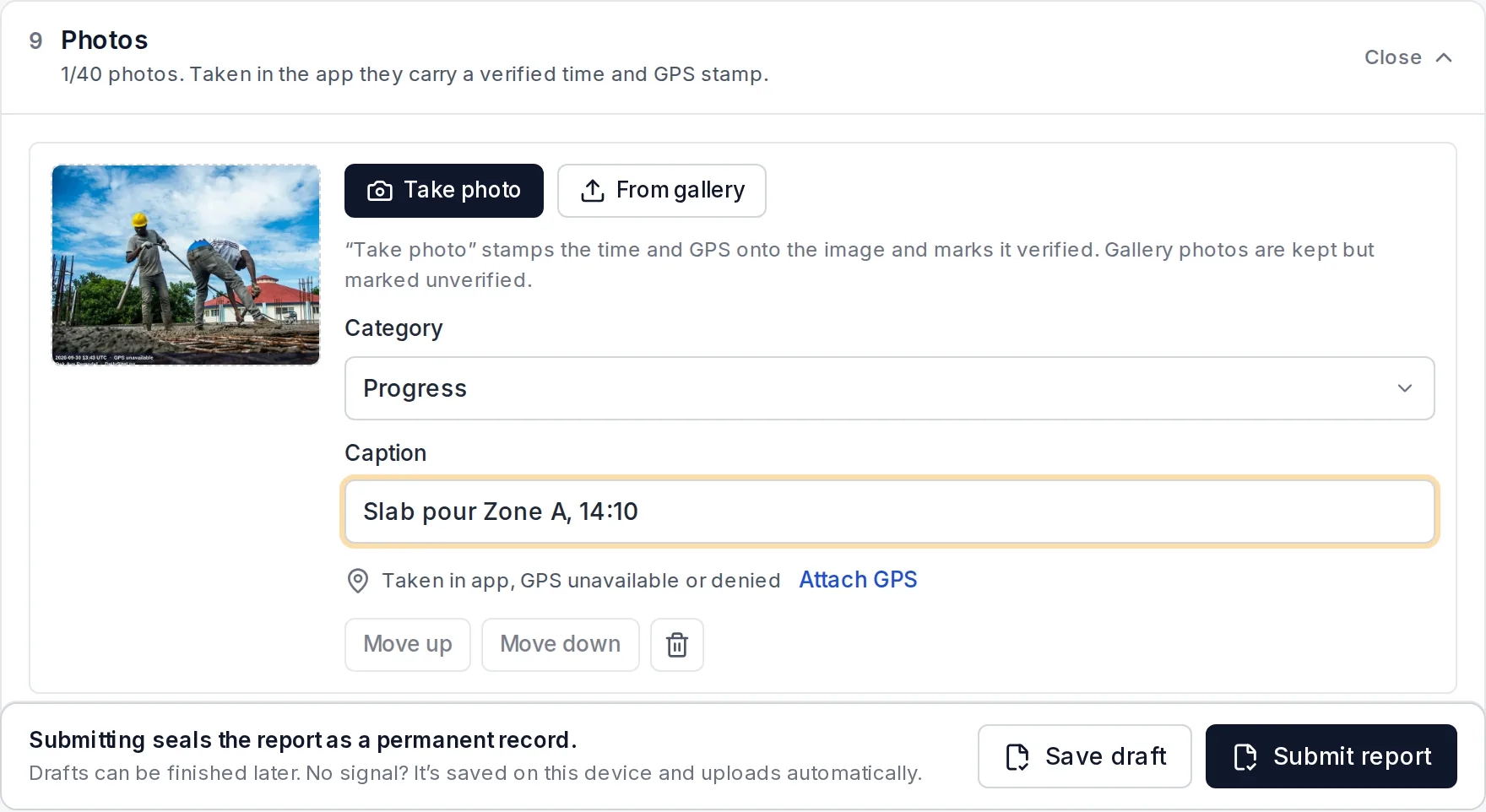
- Proof: photos with a verified time and location.
- Notice: the report sent to the GC that day, so nobody can say they were not told.
This guide compares apps on exactly those points. We make Daily Site Log, so it is one of the options; competitors' prices come from their own pages or named sources.
What matters for a subcontractor
| Need | Why it matters for a sub |
|---|---|
| GC can read it without an account | GCs will not sign up for your software |
| Delays recorded as type, time, impact and responsible party | This is what supports a delay claim or defends against a back-charge |
| Photos stamped with time and GPS | Settles "when was this taken?" arguments |
| A record the GC cannot say was edited | Matters once there is money at stake |
| Cost per crew, not per user | Every foreman needs to file |
| Your data stays yours | Not stored only in the GC's account |
The apps compared
| App | Price model | GC reads it without a login | Structured delays | Proof on photos | Record locked after sending | Best for |
|---|---|---|---|---|---|---|
| Daily Site Log | Flat: $0 · $19/mo · $79/mo (5 seats) | Yes: emailed PDF, share link, free read-only client logins (Business) | Yes: 11 types, start/end, impact, responsible party | Time, GPS, SHA-256 hash | Yes: sealed, fingerprint verifiable at /verify | Small and mid-size subs who need proof |
| Raken | Per user, annual, by quote (~$15–$59/user/mo reported) | Yes: shared PDF reports | Yes | Timestamps | Audit history | Self-performing subs who also need time cards and production |
| Fieldwire | Per user: free Basic, Pro ~$39/user/mo annual | Exports from Pro | Custom form fields | Pinned to plans | Version history | Subs working from drawings and punch lists |
| Procore (GC's account) | Paid by the GC; subs usually invited free | It is the GC's system | Yes, inside the GC's project | Yes | Audit log | Following the GC's process, not keeping your own record |
| SafetyCulture (iAuditor) | Free up to 10 seats; Premium ~$24/seat/mo annual | PDF and web reports | Custom template | Yes | Version history | Subs whose reports are mostly safety inspections |
Prices as of October 2026; see each pricing guide for sources: Raken, Fieldwire, Procore.
Notes on each
Daily Site Log
Built around the record a sub needs when something goes wrong. Delays are rows, not a notes box: type, start and end, impact, and who was responsible. Photos taken in the app carry time, GPS and a content hash. Each submitted report is sealed and gets a fingerprint printed on the PDF, so the GC can check at dailysitelog.com/verify that it was not changed after sending. One flat price covers five foremen on Business, and the GC or owner can get a free read-only login to just their project. It does not do time cards, payroll or estimating.
Raken
The strongest choice if you self-perform and want daily reports, time cards and production quantities in one app. Per-user annual pricing adds up with every foreman. Full comparison: Daily Site Log vs Raken.
Fieldwire
Excellent for subs who live in the drawings, such as MEP and drywall crews closing out punch lists. Reports and exports start on paid plans, priced per user. Comparison: Daily Site Log vs Fieldwire.
Procore, when your GC uses it
If the GC runs Procore, you will often be invited to fill in their daily log or upload documents, usually at no cost to you. Do it, because it keeps the GC happy. But it is the GC's record in the GC's account, and you can lose access when the job closes. Keep your own daily report alongside it.
SafetyCulture (iAuditor)
Good if your daily reporting is mostly safety checklists and toolbox talks. A daily report built as a template works, but delays and crews are only as structured as the form you build.
How to use any daily report app as a sub
- File the same day, before the crew leaves. A report written three days later carries much less weight.
- Name the cause of every delay and the time it started and ended. "Waiting on drywall" is weak; "No access to level 2, drywall not complete, 7:30–11:00, crew of 4 idle, 14 hours" is strong.
- Send it to the GC daily, even when nothing went wrong. A complete run of reports is what makes the bad days believable.
- Photograph conditions before you start work, especially areas left by other trades.
- Check your contract's notice clause. Most require written notice of a delay within a set number of days. See documenting weather delays and construction delays.
Which one should you pick?
- Small or mid-size sub, need proof for delays and back-charges: Daily Site Log.
- Self-performing sub that needs time cards and production tracking: Raken.
- Sub working mainly from drawings and punch lists: Fieldwire.
- GC requires Procore: use their Procore, and keep your own report as well.
More options, including free plans: best construction daily report apps and free construction daily log apps.
Sources
- Daily Site Log pricing
- Raken pricing page (request form)
- Fieldwire pricing page
- Makerstack — Procore review 2026 (unlimited users, collaborators)
- SafetyCulture pricing (Mitti by SafetyCulture)
Frequently asked questions
Do subcontractors need their own daily reports if the GC keeps one?
Yes. The GC's daily log records the GC's view of the day, and it stays in the GC's system. When there is a dispute over a delay, an access problem or a back-charge, the sub needs its own same-day record showing what its crew did, what stopped it and who was responsible.
My GC uses Procore. Do I have to pay for Procore?
Usually not. Procore is licensed to the GC with unlimited users, so GCs typically invite subcontractors to their projects at no cost. But the data sits in the GC's account and you lose access when the project closes or the GC removes you. Keep your own copy of your daily reports.
What should a subcontractor's daily report include?
Crew by name or trade with hours, work completed by area, materials received, equipment used, and above all delays: what stopped you, when it started and ended, who caused it, and what it cost in hours. Add photos with time and location, and send the report to the GC the same day so there is a dated record of notice.
What is the cheapest daily report app for a sub with several foremen?
A flat-priced app avoids paying per foreman. Daily Site Log Business is $79 a month for five seats, with extra seats at $10 a month. Per-user tools such as Raken or Fieldwire cost roughly $15–$64 per user per month.